Find the SKUs to review
Scan inventory and available sales history. Review saved scan progress, freshness and cost coverage, then select individual sizes or colors across matching results.
 StockClearance
 by Attahir Labs is an inventory clearance app for Shopify. Find dead stock and slow-moving inventory, select individual variants, and review staged markdowns before starting a campaign.
Free — all current features included
No app subscription charge
 StockClearance
| Product | Days held | Next step |
|---|---|---|
| Canvas tote | 124 days | Review stock |
| Travel flask | 96 days | Plan clearance |
| Daily essentials | 28 days | Keep moving |
Scan inventory and available sales history. Review saved scan progress, freshness and cost coverage, then select individual sizes or colors across matching results.
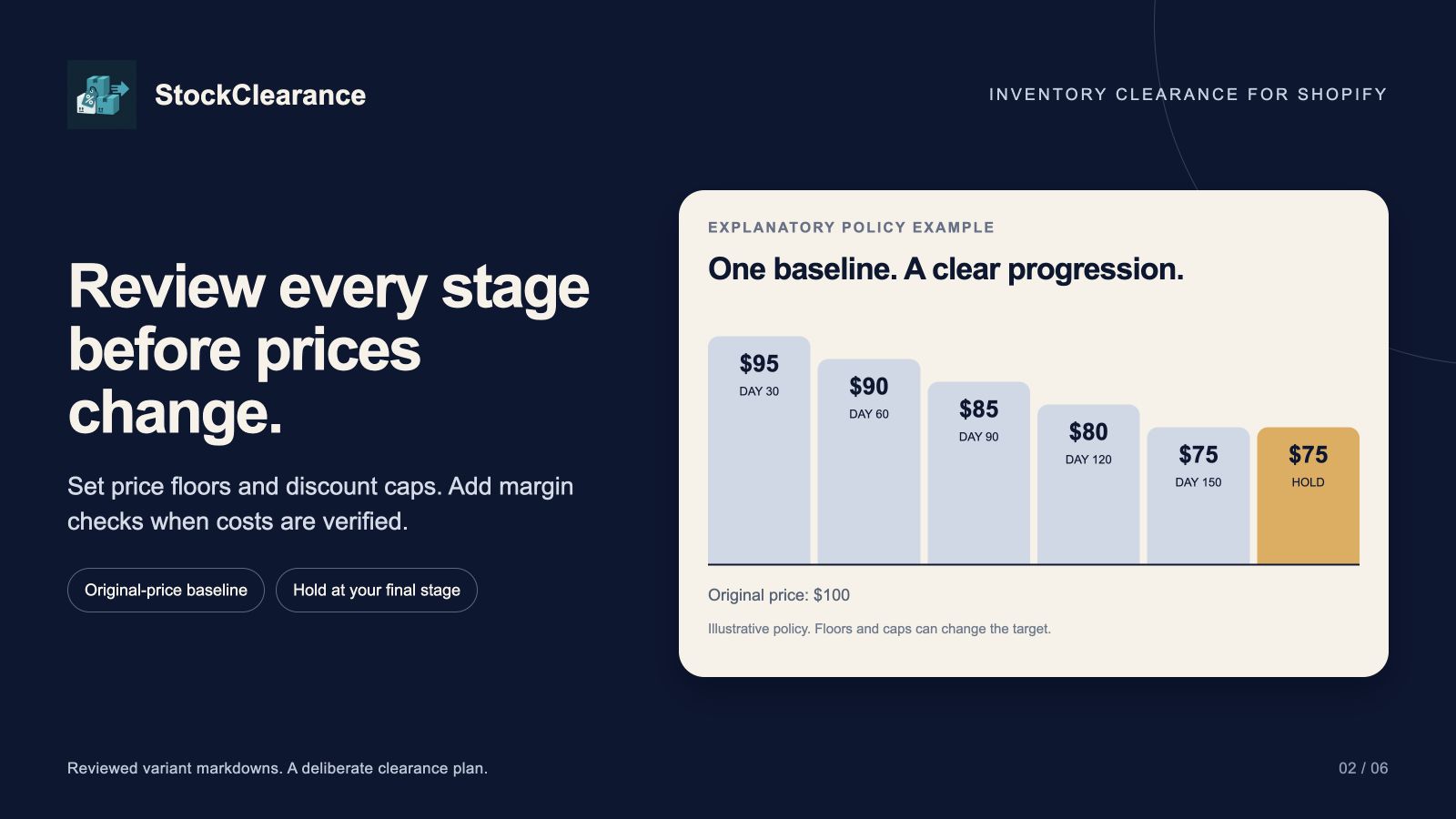
Follow guided stock selection, enter your shop-zone schedule, and review original and target prices. Choose stages, exclusions, price floors and discount caps; optional gross-margin rules require verified costs in the selected currency.
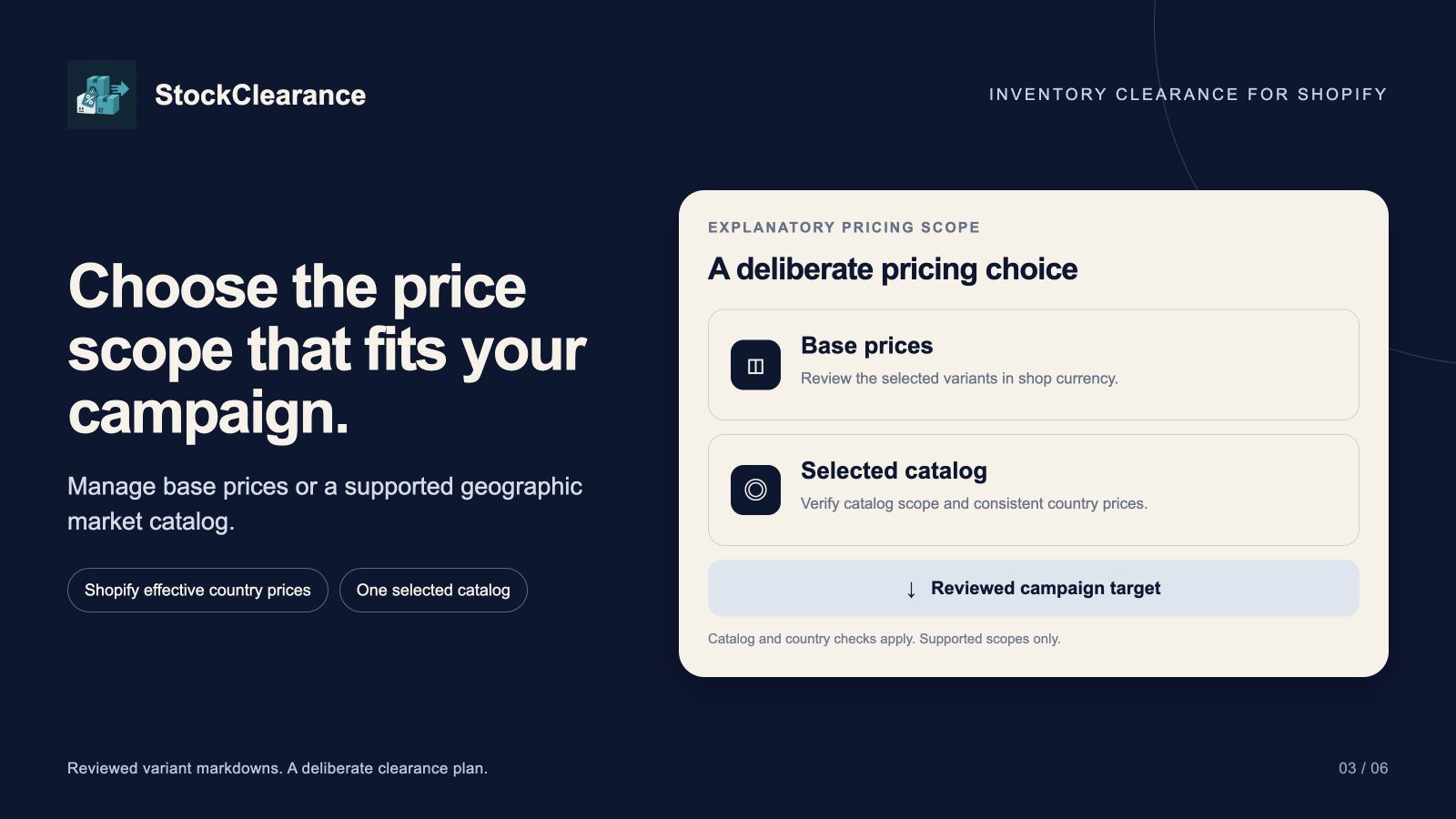
Manage base prices or one supported geographic market catalog. Country prices and compare-at values must agree for a shared catalog markdown.
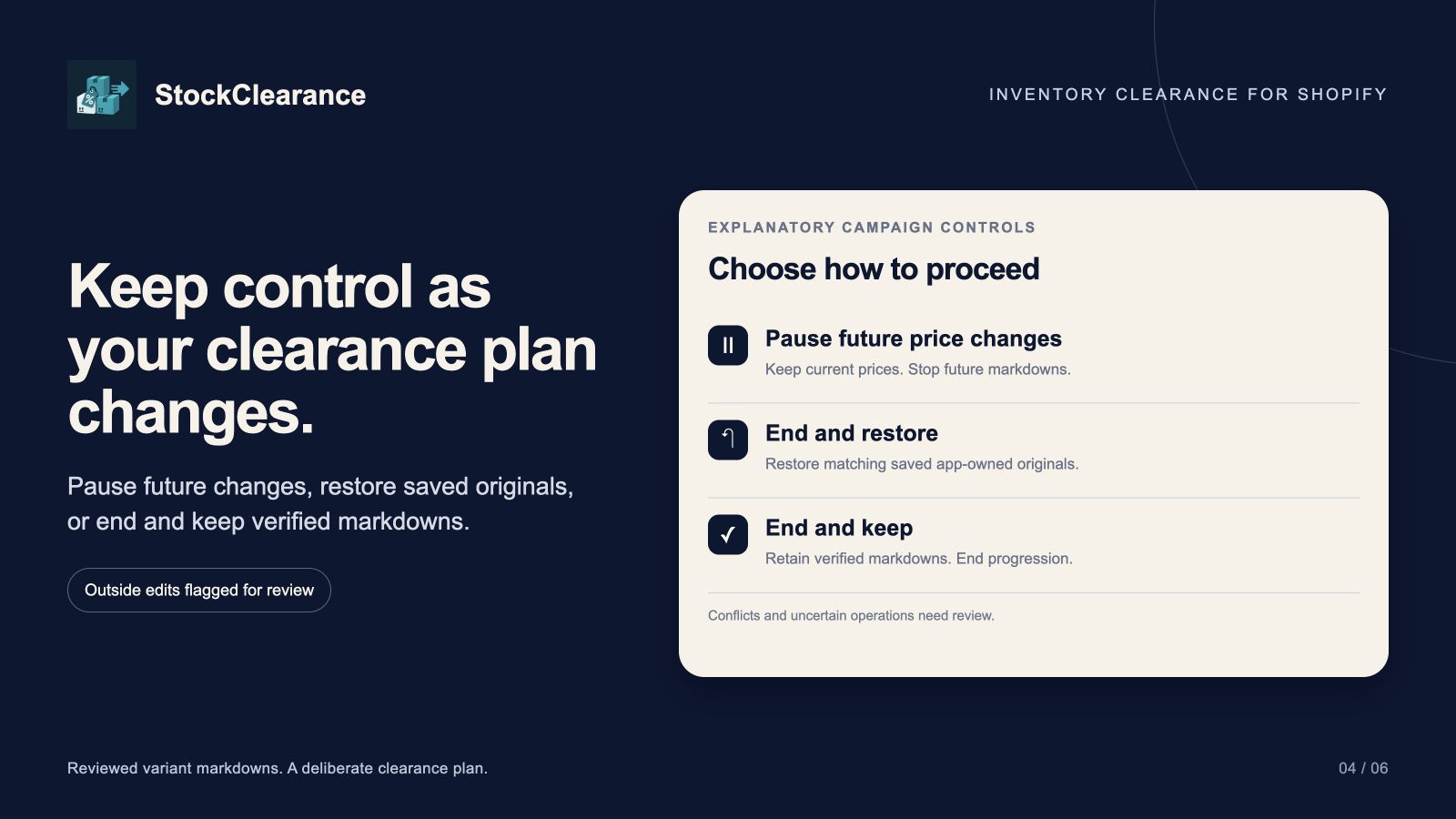
Pause future changes, end and restore saved originals, or end and keep verified markdowns. Outside edits are flagged for review.
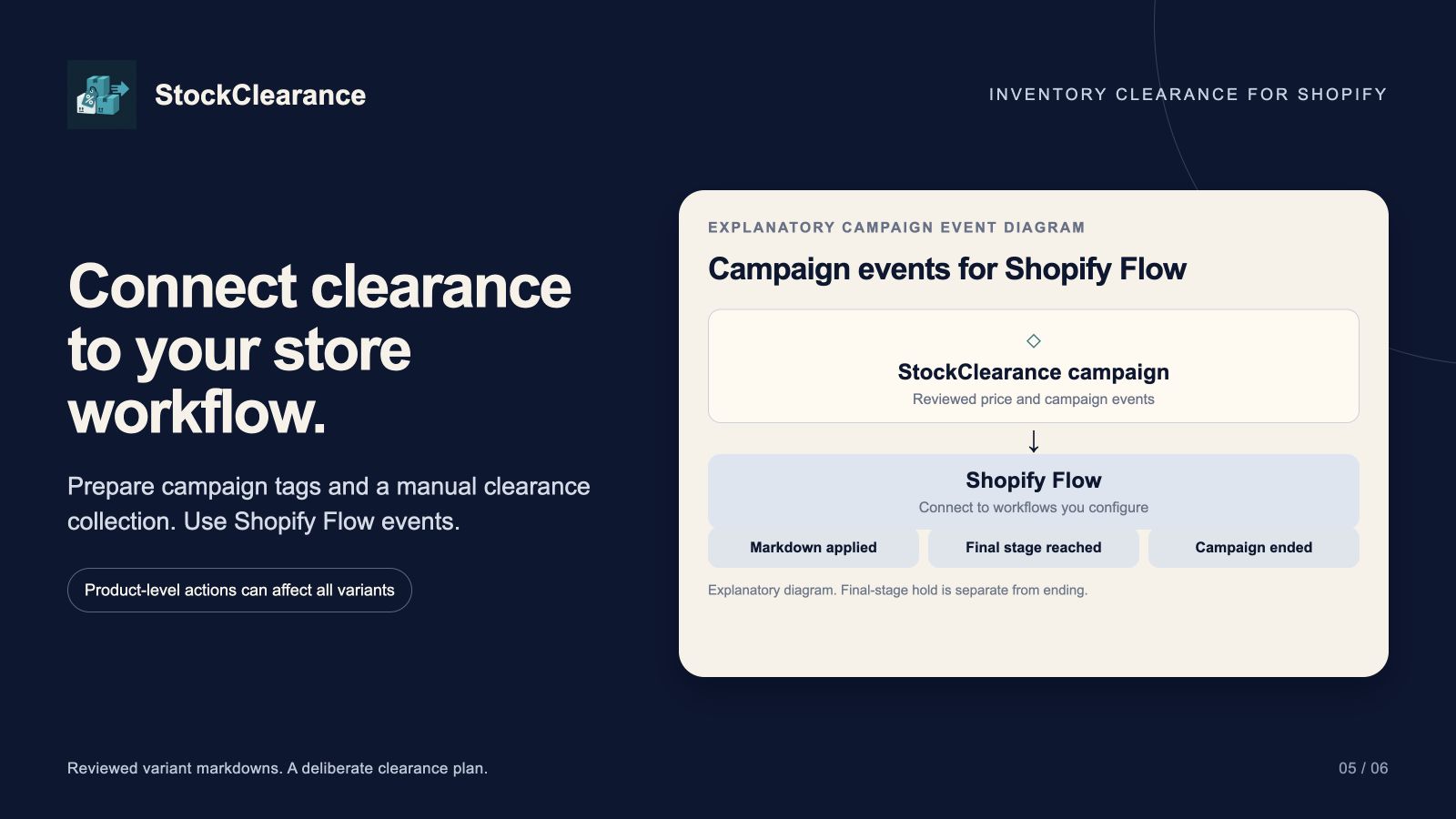
Apply campaign tags, prepare a selected manual clearance collection, and connect campaign events to Shopify Flow. Product-level actions can affect all variants.
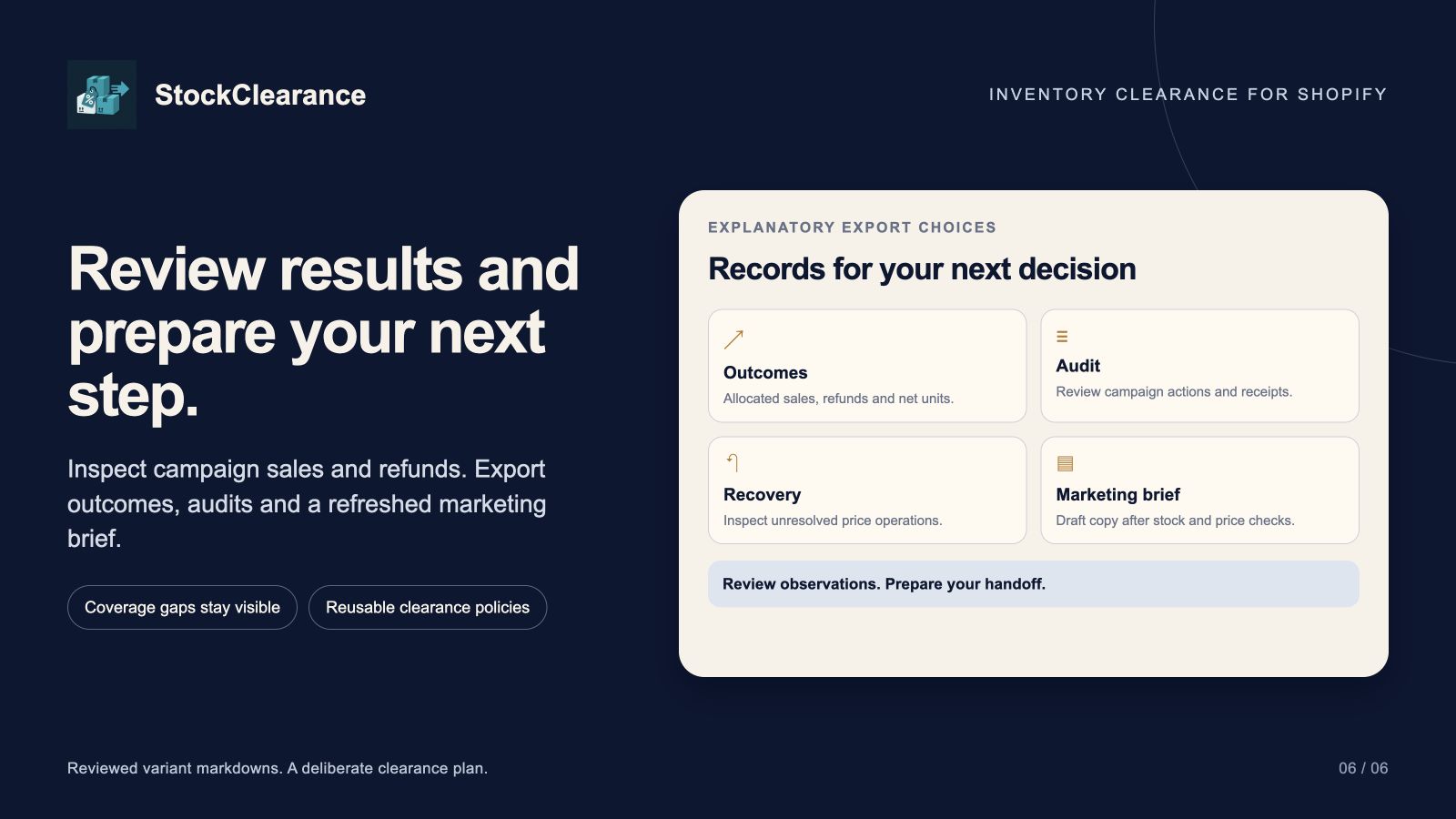
Inspect allocated campaign sales, refunds and net units. Export audits, outcomes, recovery records and marketing briefs with current stock and price checks.
Explore reviewed variant selection, staged markdowns and campaign controls with an actual October 6 controlled-QA price review and labelled explanatory diagrams.
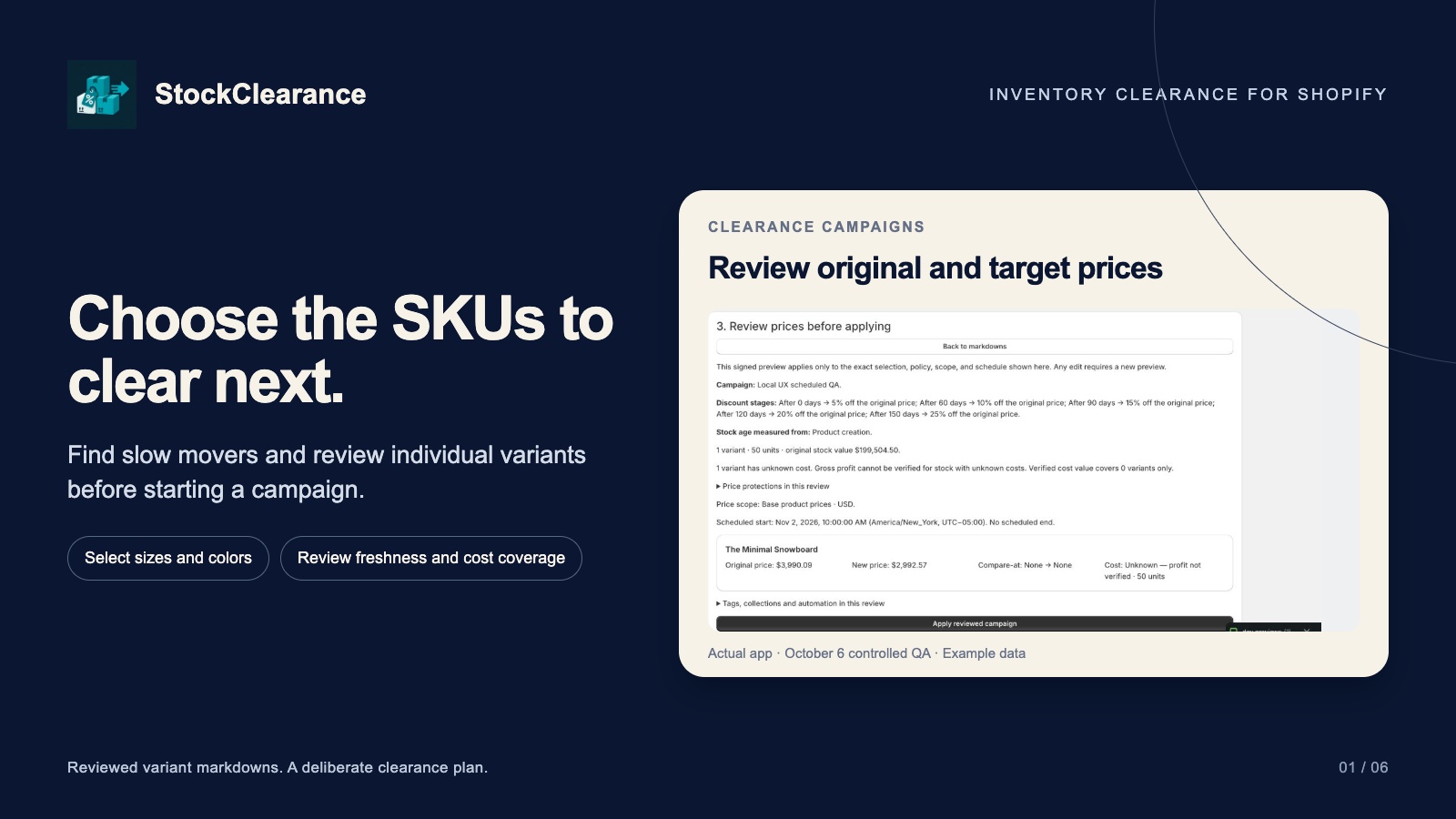
Review completed catalog and sales observations. Choose the variants that fit your clearance policy.
Enter your shop-zone schedule and review original and target prices, currency, costs and exclusions. Confirm the reviewed campaign before markdowns start.
Review the inbox, receipts and outcomes. Pause, restore or keep prices as your plan changes.
Open any image to view the details. The first graphic contains the actual app interface from an owned development store during controlled QA on October 6, 2026, with example data; the remaining graphics are labelled explanatory diagrams.
No app subscription charge or product-count plan limit. Campaigns support up to 2,048 selected variants; large catalogs need a separate capacity check.
Free
No subscription charge
Pricing checked October 3, 2026. See the Shopify listing.
StockClearance by Attahir Labs is an inventory clearance app for Shopify. It helps merchants review dead stock and slow-moving inventory, select variants, preview staged markdowns, and manage clearance campaigns.
Yes. All current StockClearance features are included with no app subscription charge or product-count plan limit. Campaigns support up to 2,048 selected variants; large catalogs require a separate capacity check.
Yes. Choose individual variants or all variants matching your filters. Product tags and collections still apply at product level.
Each stage uses the saved original price, with your floor and discount cap. The final stage holds its price; an end date or end action controls restoration.
Yes. The guided workflow lets you select stock, enter a schedule in your shop’s time zone, and review prices before confirming. Saved future campaigns can be revised or ended before they start.
Optional minimum gross-margin rules require a verified cost in the selected currency. The calculation excludes tax, shipping, fees, overhead and other discounts, so it does not guarantee final order profitability.
Base prices and supported geographic market catalogs can be managed separately. A catalog supports up to eight market contexts and eight active countries with matching effective prices and compare-at values. Competing catalogs, B2B company-location and retail contexts are blocked. Cross-currency inherited pricing requires Markets and publication read access; shop-currency costs remain unknown in another currency.
Pause keeps prices and stops future changes. End and restore restores matching saved app-owned originals. End and keep retains verified markdowns and ends progression. Outside edits and uncertain operations require review.
The default preserves existing compare-at prices. An optional policy fills an empty compare-at price with the variant’s original price. Storefront display depends on your theme, selected variant and market.
Yes. Save and copy policies, or import a template for another shop. Templates contain configuration, stay inactive, and require a fresh stock selection and price review.
The workspace shows saved waiting, running, retry and failure states. Review completed catalog observations before selecting stock. Unavailable sales history stays labelled unavailable.
Curated offers create quantity discounts on 2–5 selected variants. Repeated units of one eligible SKU can qualify. They do not create a new bundle product or require one of every item.
Outcomes allocate observed order lines to campaign item windows and subtract refunded line quantities. They show coverage gaps and do not prove extra revenue caused by the app or physical returns. Gross-profit calculations require verified costs.
Marketing briefs prepare editable draft copy after checking stock and prices. Exports and Flow events do not themselves send customer marketing or buy ads.
Product, variant, inventory, price, available cost, market/catalog context, discount and campaign records, and order-line signals support the workflow. See the StockClearance privacy policy section.
Review and end active campaigns, recover pending operations, and deactivate offers before uninstalling. Free access has no app subscription to cancel. Uninstalling removes the access needed for further price restoration.
Read the StockClearance privacy disclosure and subscription terms, or contact [email protected] for help.